
7. License

Refresh License
Use this button to refresh license’s status and related information.
Request Trial License

Use this button to ask a trial license to CRYP Consulting.
Key / Upload License Key
Use this button to enter manually your license key.
Action to be taken in agreement with CRYP Consulting.
|
Liences’s Options
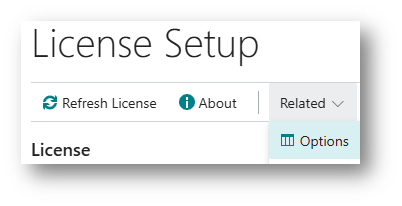
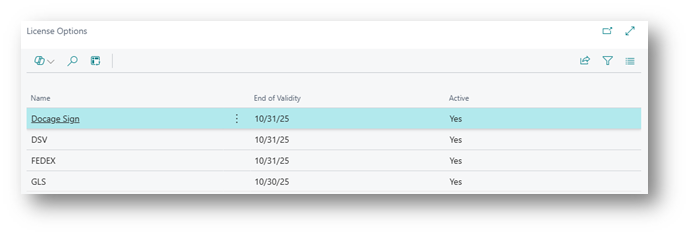
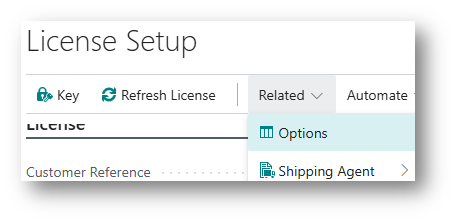
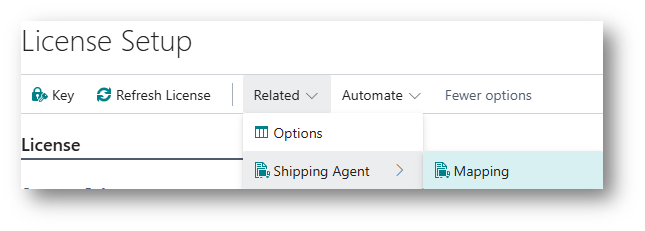
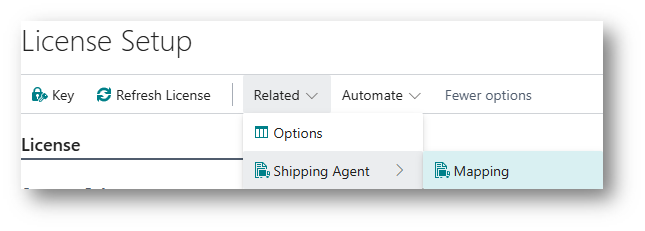
License mapping
Defining mappings between transporter API variables and Business Central table fields:
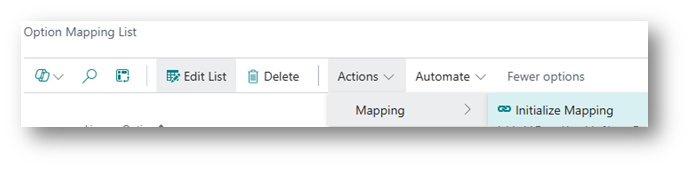
Use button « Initialize Mapping » to create automatically records:
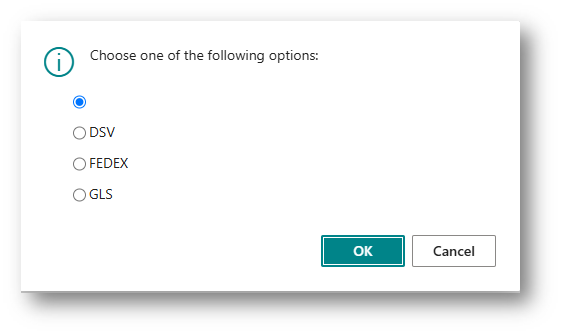
Select a shipping agent :
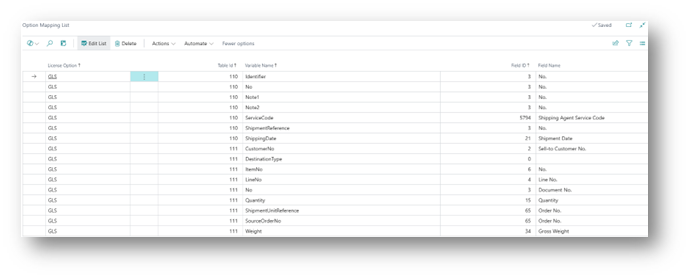
Records will be created automatically.
License – Initialize services (shipping agent)
Defining mappings between shipping agent services codes variables and Business Central shipping agent services data:
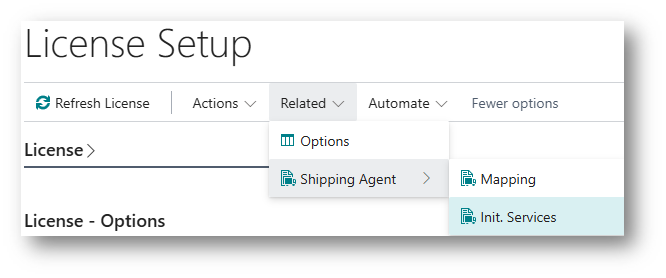
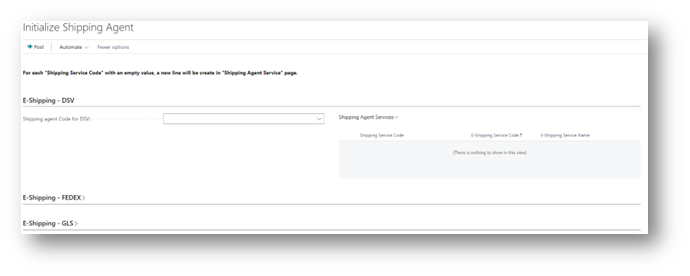
Select an existing shipping agent code:
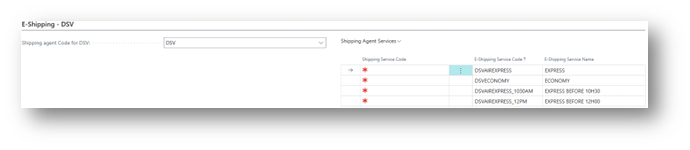
Then select for each row in « Shipping agent services » list, select a code to map to a shipping agent code (DSV).
When mapping is completed, use « Post » button to validate data and insert mapping to « Shipping agent » and « Shipping agent services » tables.
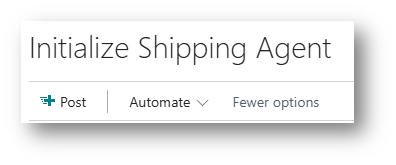
Once the first mapping is posted/validated, if you delete data in this page, related standards tables are modified.
Even if you modified data and then post you new mapping selection.
Trial license
A trial/evaluation period is set by default. This period can be adjusted by contacting CRYP Consulting.