5. Electronic Shipping
Posted Sales Shipment
To use the electronic shipping module, you must first create your own account and activate API management.
The electronic shipping module does not include an account.
|
Mapping to Business Central table id 110 / 111.
|
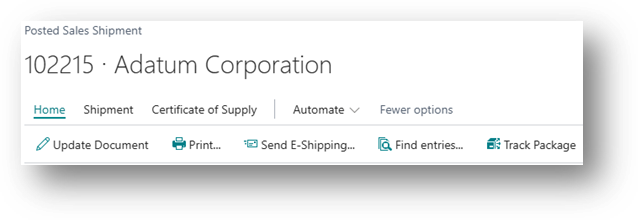
In the Posted Sales Shipment page, click Print/Send, then Send E-Shipping:
A list of shipment types will be displayed:
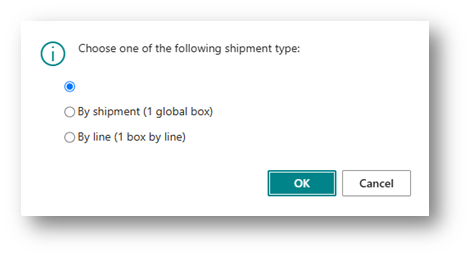
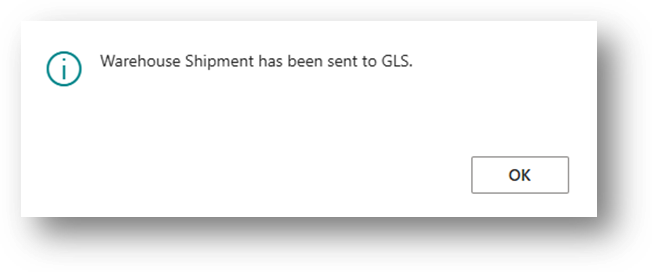
By clicking OK, the information is sent to the transporter.
|
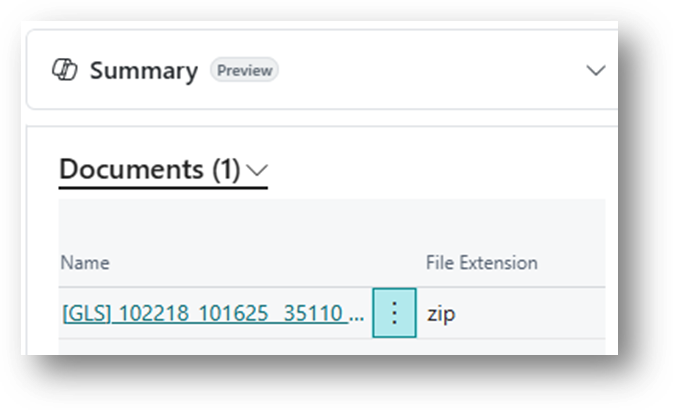
Documents
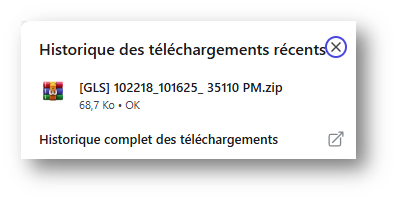
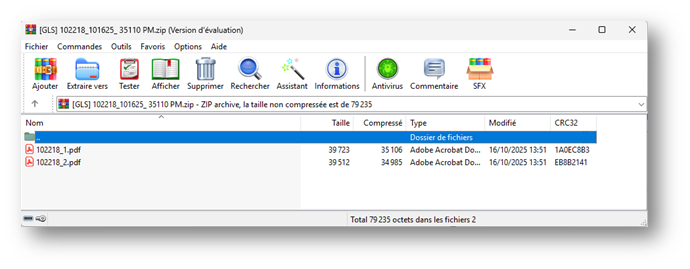
If the information was sent successfully, a document will be generated and added to the document attachment part for the current posted sales shipment.
Download Label(s)
Label(s)
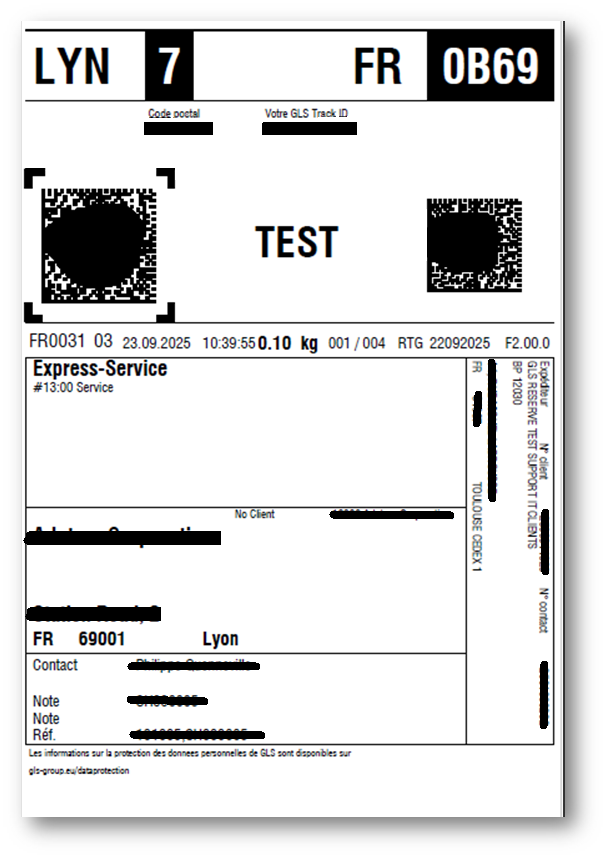
If the information was sent successfully, the labels associated with the shipped lines are received from the transporter (if option activated on license page).