5. Shipping Agent
Warehouse Shipment
Mapping to Business Central table id 7320 / 7321.
|
In the Warehouse Shipment page, click Print/Send, then Send E-Shipping:
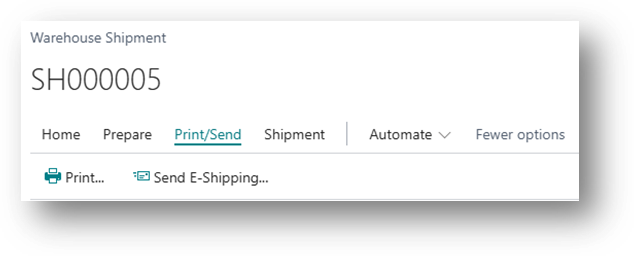
A list of options enabled for the company will be displayed:
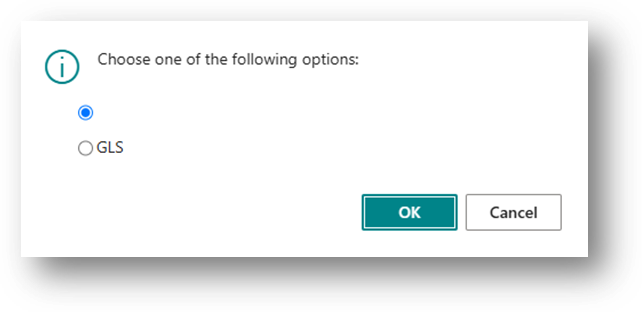
By clicking OK, the information is sent to the carrier.
|

Posted Sales Shipment
Mapping to Business Central table id 110 / 111.
|
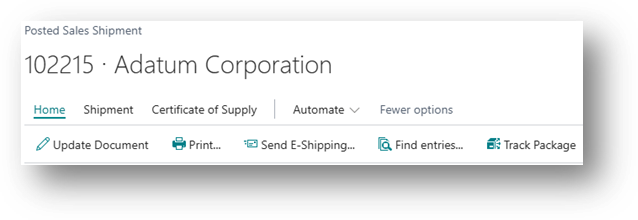
In the Posted Sales Shipment page, click Print/Send, then Send E-Shipping:
A list of options enabled for the company will be displayed:
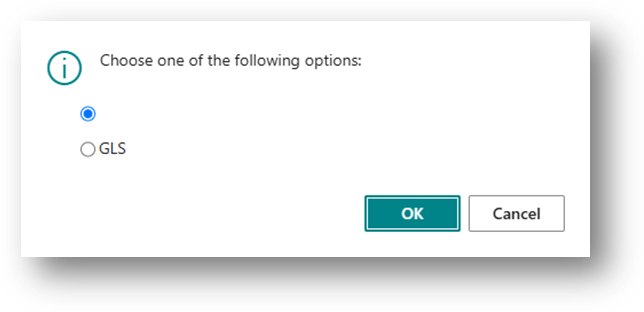
By clicking OK, the information is sent to the transporter.
|
Label(s)
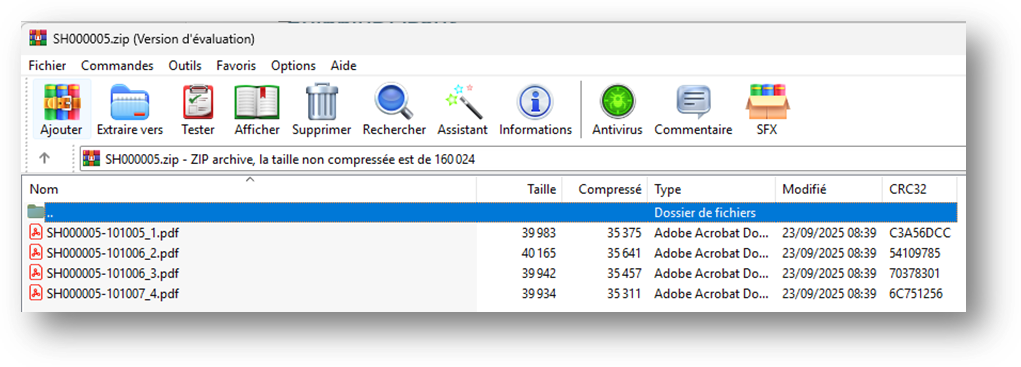
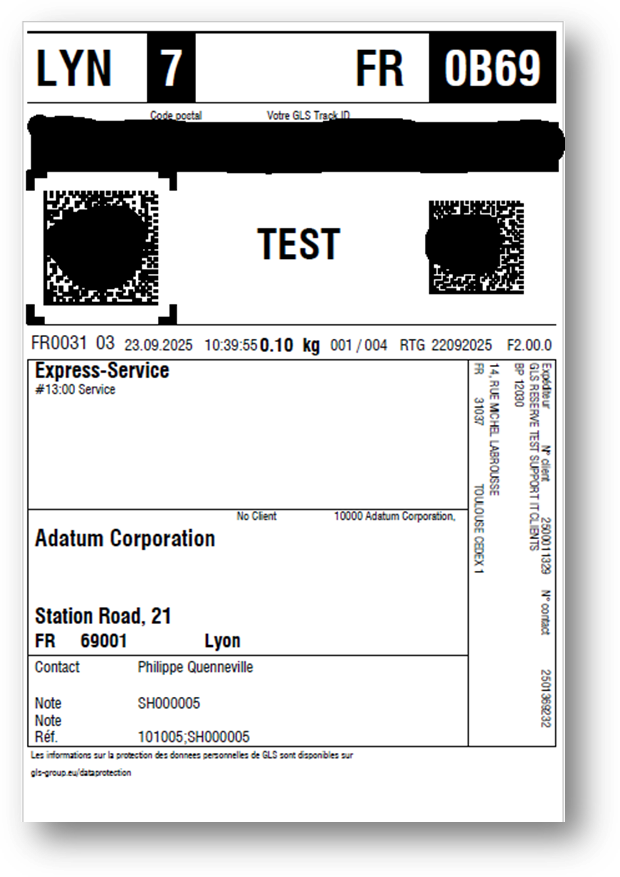
If the information was sent successfully, the labels associated with the shipped lines are received from the transporter.