4. Electronic Sign
Documents are currently only signed on Sales Quotes. Other standard documents may be added to the electronic signature process depending on customer requests.
|
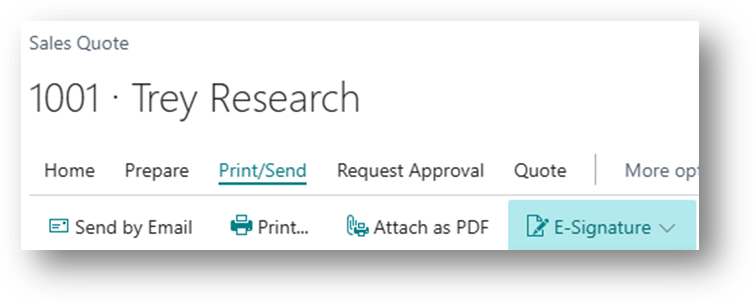
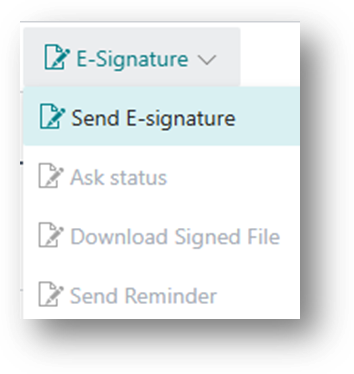
On a quote to start the electronic signature process, click Print/Send then E-Signature:
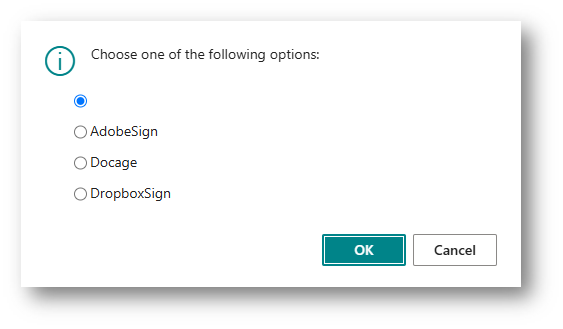
A list of active options for the company is displayed:
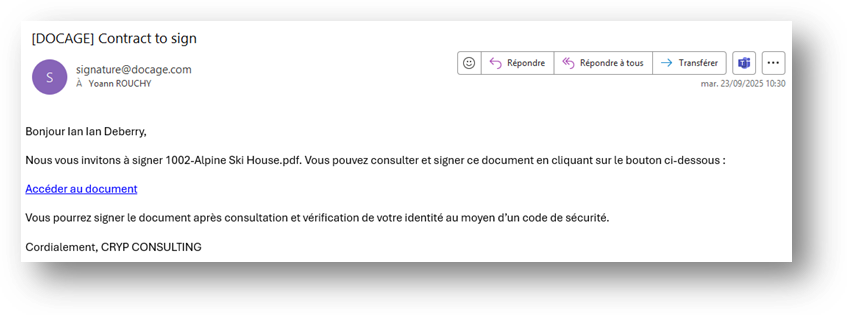
An email is sent:
|
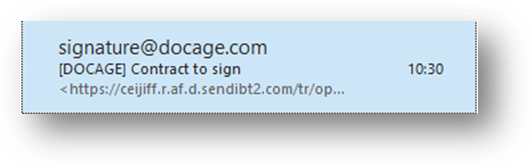
The quote received is ready to be opened for signature:
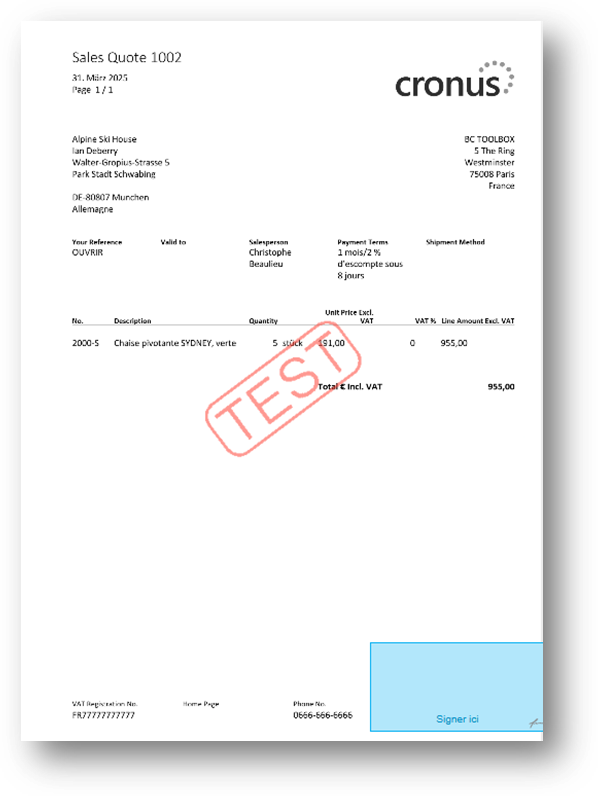
The signature location can be customized on the License Settings page.

With the Ask status action, the ESign status is updated on the quote.
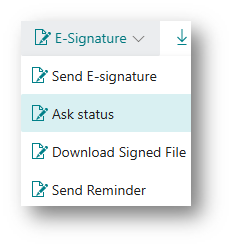
It is also possible to download the signed quote or send a reminder if necessary.